


New article
Recently updated
Adding a new phase in Time & Expense Recording

Who is this article for?
Users who need to add additional time recording phases.
Administrator permissions are required to resolve some issues.
Adding Additional Time Recording Phases in Timesheets
Users can add additional time recording phases to customize time sheet tracking in the system.
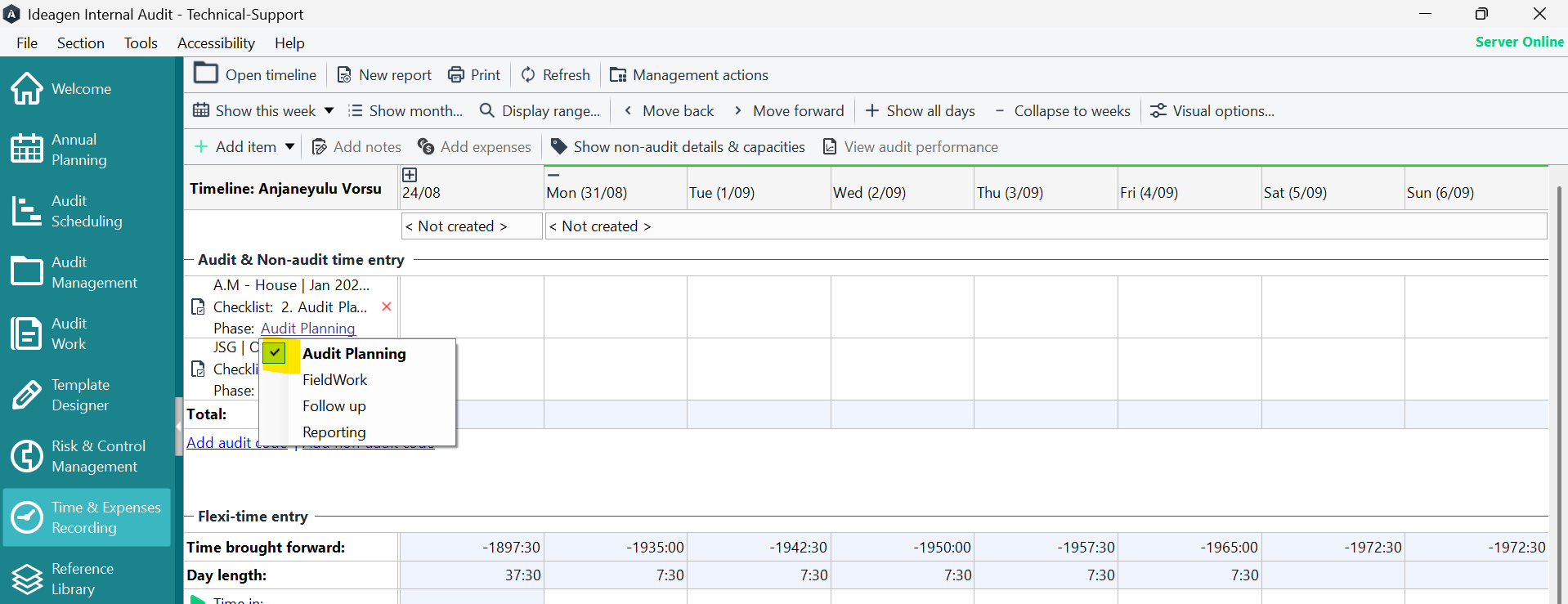
To add a new time recording phase:
- Go to Tools.
- Select Configuration.
- Choose Selection Configuration Section.
- Select Timesheet Codes.
- Click the Phases tab.
- Click the Add button in the top right.
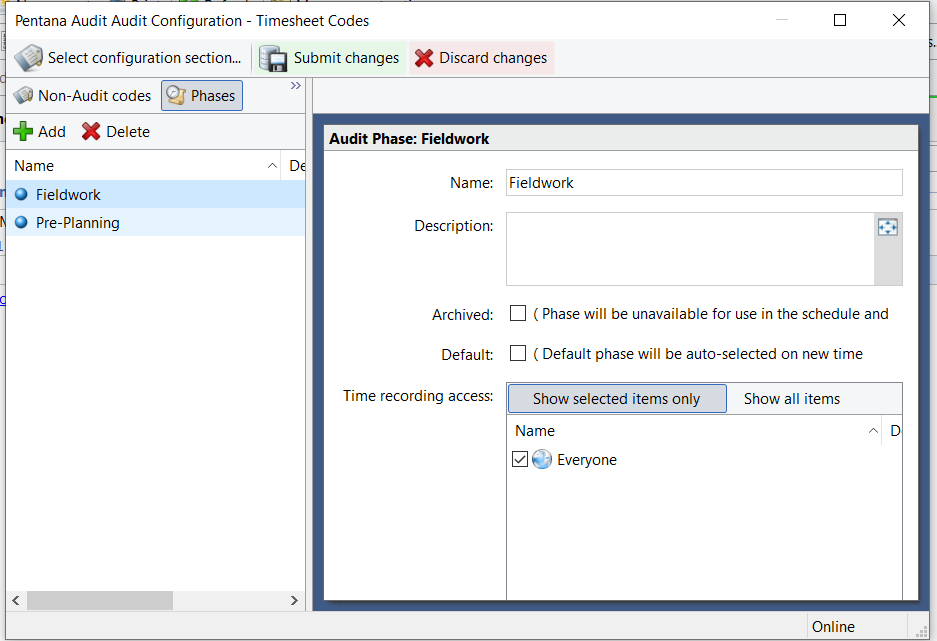
Setting a default phase
The default phase appears automatically when user adds a new audit code.
To change the default phase:
- Tick the Default box against the phase you want to set as default.